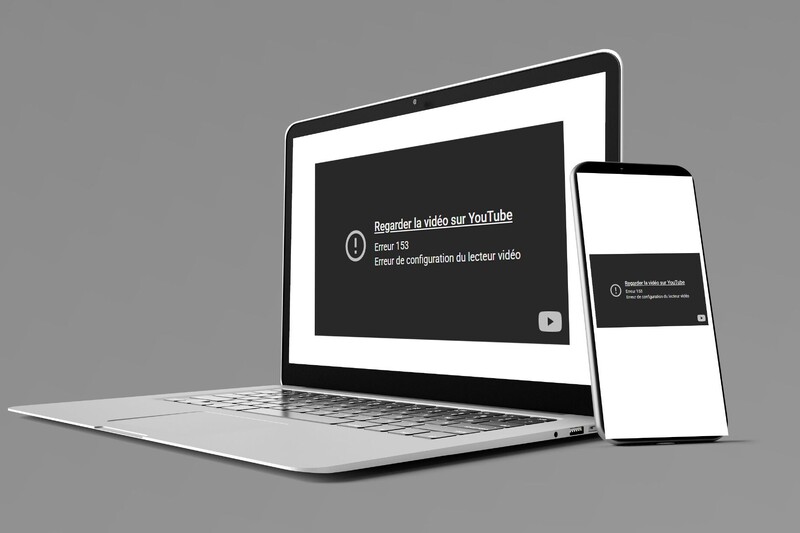
YouTube Embedded Videos Displays Error 153: What's Going On and How to Fix It
Thursday, November 6, 2025
Recently, many website owners have noticed that some of their embedded YouTube videos are no longer displaying correctly. Instead of the video, an error message, often Error 153, appears.
What's Causing the Problem?
YouTube has recently made technical changes to the way its videos can be embedded on external websites (using iframes).
These adjustments have affected how older embed methods function. As a result, many websites using the old integration code are now seeing their videos blocked or not working properly.
It's important to note that this change comes directly from YouTube and affects multiple platforms and content management systems across the web.
What Should You Do If Your Videos Show an Error?
If you notice that some of your YouTube videos are no longer displaying on your site, don't delete or replace the content right away. In most cases, the issue can be resolved by using "strict-origin-when-cross-origin" as the value of your iframe's "referrerpolicy" parameter.
If you're experiencing this issue on your website and need some help fixing it, don't hesitate to contact us!


